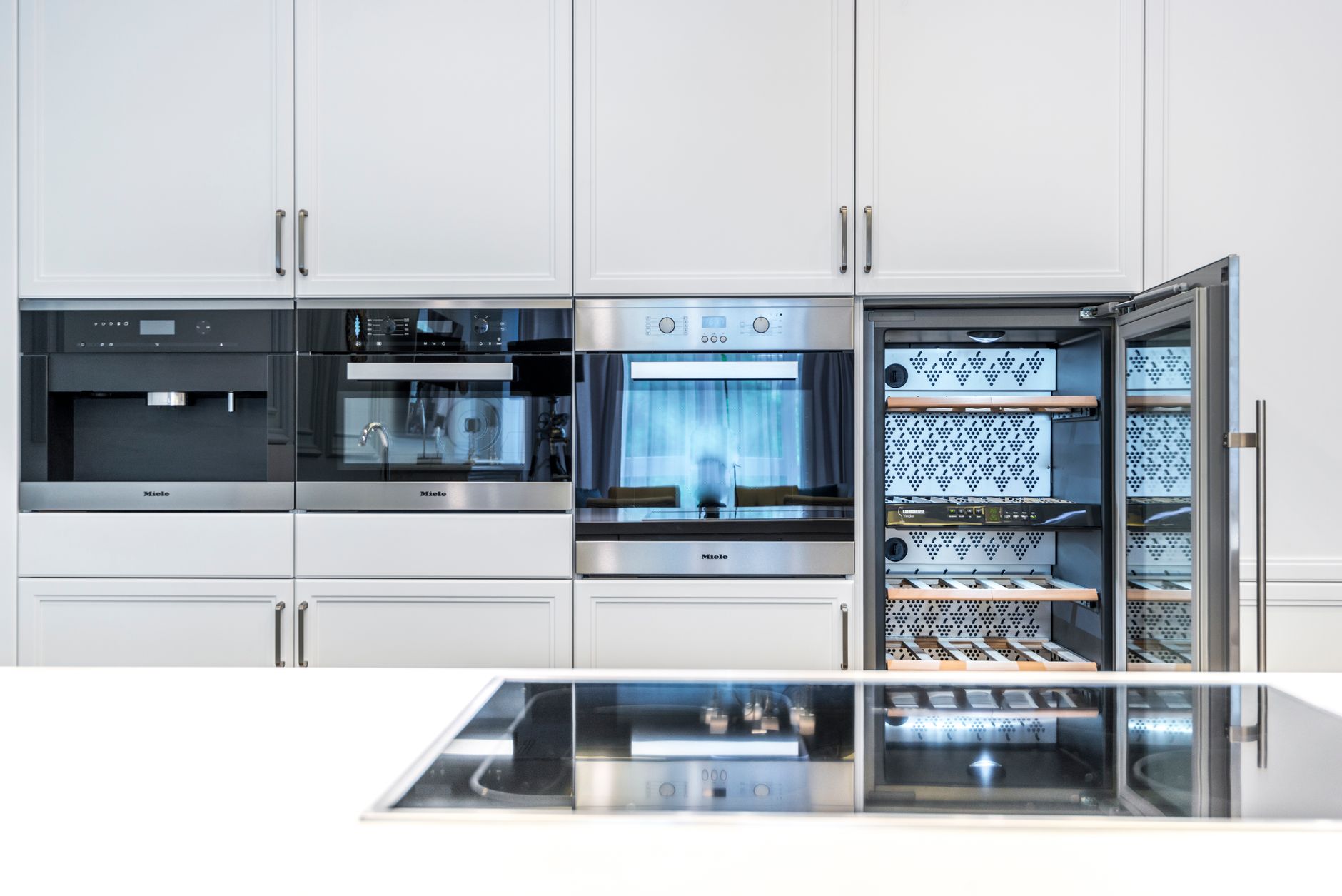
Integrating smart appliances with your existing home systems has become one of the most effective ways to streamline daily routines, boost energy efficiency, and upgrade your home automation experience. In 2026, home system compatibility is more advanced and user-friendly than ever, but many homeowners still wonder how to seamlessly combine new smart devices with their current setups. This guide will walk you through everything you need to know about smart appliance setup, ensuring smooth home automation integration—regardless of your technical skill level.
Why Integrate Smart Appliances with Existing Home Systems?
Smart appliances—think refrigerators, ovens, washing machines, and thermostats—can offer impressive energy savings, convenience, and control. However, without proper integration, you might not unlock their full potential. Here’s what you stand to gain:
- Centralized Control: Manage all your devices from one app or hub.
- Energy Optimization: Automate schedules to save money and reduce waste.
- Enhanced Security: Monitor and control appliances remotely for peace of mind.
- Future-Proofing: Easily add new devices as technology evolves.
A 2026 study from the Home Automation Research Group found that integrated smart homes reduced energy consumption by up to 18% compared to homes with standalone smart devices. Integration is more than a luxury—it’s a practical upgrade.
Understanding Home System Compatibility
Before you start any smart appliance setup, it’s essential to check home system compatibility. Not all devices will work together out of the box. Here’s what to consider:
What Are Home Systems?
A home system is the backbone of your smart home. It could be a centralized hub (like Samsung SmartThings, Apple HomeKit, or Google Home) or a voice assistant (such as Amazon Alexa). These platforms connect, control, and automate your smart appliances.
Compatibility Checklist
To ensure smooth integration, confirm the following:
- Protocol Support: Check if your appliances and home system use protocols like Wi-Fi, Zigbee, Z-Wave, or Bluetooth.
- App Integration: Verify if your device has an app that works with your home system.
- Voice Assistant Support: Does your appliance support Alexa, Google Assistant, or Siri?
- Firmware Updates: Make sure both your hub and appliances have the latest software.
Example: Suppose you purchase a smart washing machine that uses Zigbee, but your hub only supports Z-Wave. You may need to add a compatible bridge or gateway for integration.
Step-by-Step Smart Appliance Setup
Setting up smart appliances for home automation integration doesn’t have to be overwhelming. Follow these practical steps:
1. Assess Your Existing Home System
- List all smart devices and hubs currently in use.
- Identify the main platform (e.g., Google Home, Apple HomeKit).
2. Review Appliance Specifications
- Check manufacturer compatibility charts.
- Look for “Works with [Your Home System]” labels on product packaging.
3. Update Firmware
- Update both your home system hub and the new appliance firmware for best performance.
4. Connect the Appliance
- Use the manufacturer’s app to begin setup.
- Follow in-app prompts to connect the appliance to your Wi-Fi or hub.
- Enter necessary credentials securely.
5. Add to Your Home System
- Open your home system’s app.
- Use the “Add Device” function to detect and connect the new appliance.
- Assign the appliance to the correct room or group.
6. Configure Automations and Schedules
- Set up routines like “Good Morning” or “Bedtime” to control multiple devices at once.
- Program schedules for energy-intensive appliances to run during off-peak hours.
7. Test and Troubleshoot
- Double-check connections and automation triggers.
- Use the app dashboard to monitor appliance status.
Tip: If you encounter issues, consult the appliance’s support page or reach out to the manufacturer for troubleshooting guides.
Overcoming Common Integration Challenges
Even with improved compatibility in 2026, you might face some hurdles. Here’s how to handle the most common issues:
Connectivity Problems
- Solution: Move your hub closer to the appliance or invest in a Wi-Fi extender. Mesh Wi-Fi systems now cover homes up to 5,500 sq ft seamlessly.
Protocol Mismatches
- Solution: Use multi-protocol hubs (like the latest SmartThings or Home Assistant Yellow) to bridge Zigbee, Z-Wave, and Wi-Fi devices.
App Overload
- Solution: Consolidate device management with your main home system’s app. Many support importing third-party devices, reducing app clutter.
Privacy Concerns
- Solution: Regularly review device permissions and enable two-factor authentication where available.
Practical Tips for Home Automation Integration
To get the most from your integrated smart appliances, follow these expert strategies:
- Standardize Where Possible: Choose devices from the same family or brand for consistent compatibility.
- Automate Energy Savings: Schedule dishwashers, washing machines, and HVAC systems to operate during low-rate hours (typically late night or early morning).
- Use Scenes and Groups: Set up scenes like “Movie Night” to dim lights, adjust temperature, and preheat the oven with one tap.
- Monitor Usage: Many smart appliances provide real-time energy reports—review these monthly to adjust habits and save on utility bills.
- Stay Updated: Subscribe to manufacturer newsletters for firmware updates, new features, and compatibility enhancements.
Table: Example Home Automation Integration Scenarios
| Scenario | Devices Integrated | Automation Outcome |
|---|---|---|
| Morning Routine | Coffee Maker, Lights, Thermostat | Wake-up lights, start coffee, set temperature |
| Away From Home | Security Camera, Door Lock, Lights | Lock doors, activate cameras, randomize lights |
| Energy Saving Mode | Dishwasher, Water Heater, HVAC | Run appliances off-peak, adjust temperature |
| Bedtime Scene | Smart Blinds, Lights, Security System | Close blinds, dim lights, activate alarm system |
Key Takeaways
Integrating smart appliances with your existing home systems in 2026 is easier and more beneficial than ever. Here’s what you need to remember:
- Check Compatibility: Always confirm that new devices work with your home automation platform.
- Update Regularly: Keep firmware current for security and new features.
- Automate Wisely: Use routines and schedules for maximum comfort and efficiency.
- Troubleshoot Effectively: Address connectivity and protocol issues with the right hardware.
- Monitor and Adapt: Use energy reports and automation dashboards to optimize your smart home.
With the right approach, your smart appliances and home systems will work together smoothly, offering convenience, security, and energy savings for years to come.