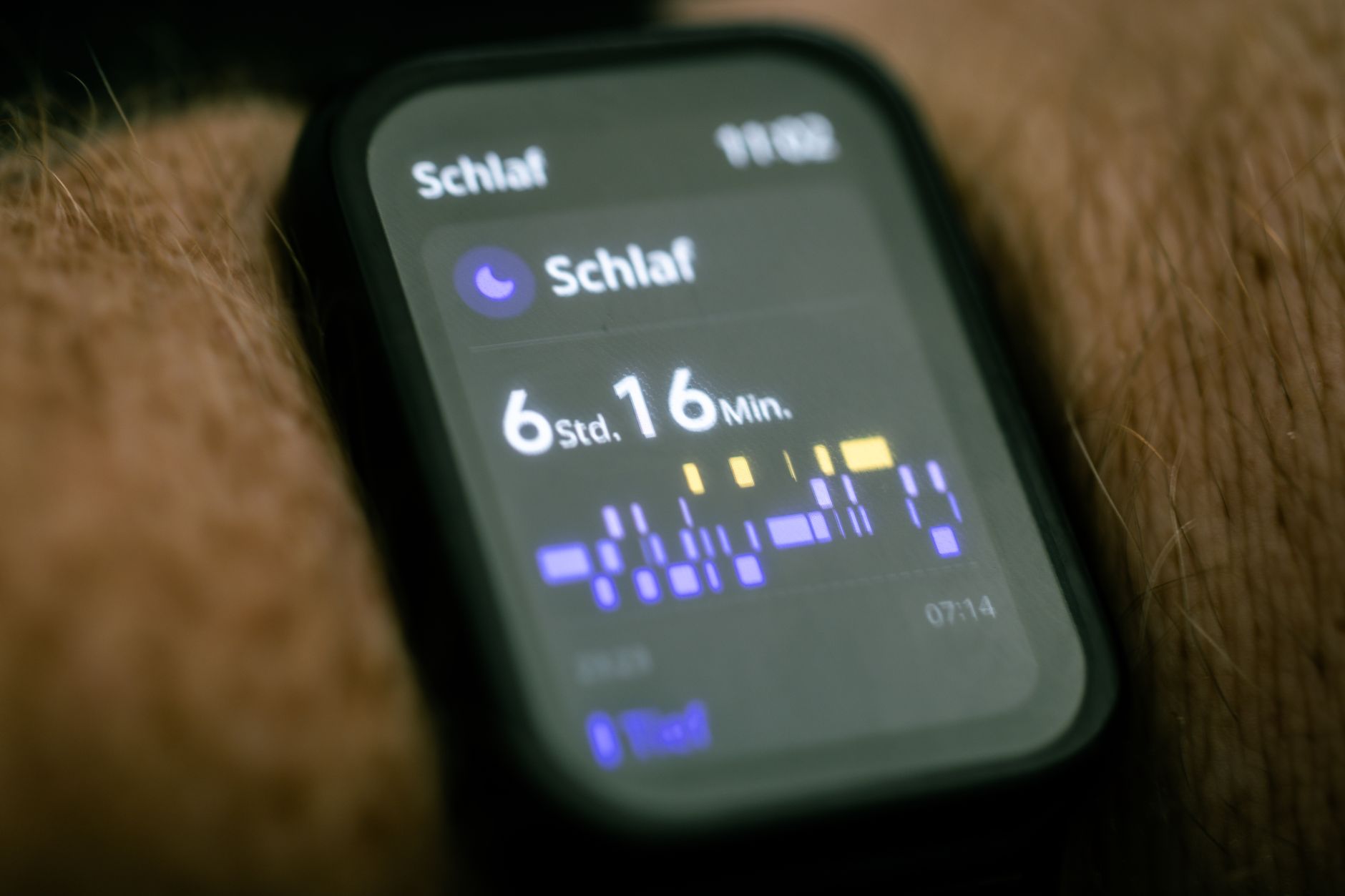
As wearable technology becomes ever more essential to our daily routines, maximizing battery life on devices like smartwatches and fitness trackers has become a top priority. If you’ve ever found yourself frustrated by your wearable running out of power before the end of the day, you’re not alone. In this guide, you’ll learn how to extend wearable battery life with 12 practical tips—whether you’re aiming to increase smartwatch battery longevity or seeking a fitness tracker battery guide. Discover simple tweaks and smart habits that can keep your device going stronger, longer in 2026.
Why Battery Life Matters for Wearable Devices
Wearable devices are designed for constant use—tracking health metrics, managing notifications, and even supporting contactless payments. However, their compact size limits battery capacity. According to industry research, the average smartwatch battery lasts 1-2 days, while basic fitness trackers can reach up to 7 days. With more features enabled, battery drain increases significantly. That’s why knowing how to effectively preserve your device’s battery is crucial for uninterrupted performance.
12 Practical Tips to Extend Wearable Device Battery Life
Here are the most effective, expert-recommended steps to get the most out of your wearable’s battery in 2026:
1. Adjust Screen Brightness and Timeout
- Lower brightness: Modern wearables use OLED or AMOLED screens, which consume more power at higher brightness. Set your display to the lowest comfortable level.
- Shorten screen timeout: Reduce the auto-sleep duration to just a few seconds. Every extra second your screen remains on adds up.
2. Limit Notifications
- Customize alerts: Turn off non-essential notifications. Only allow calls, messages, or health alerts you truly need.
- Use Do Not Disturb: Schedule downtime or use DND mode during meetings or sleep.
3. Disable Always-On Display (AOD)
- Why it matters: AOD keeps your screen active to show the time or notifications, draining battery around the clock.
- Practical tip: Most users report a 15-30% increase in battery life after disabling AOD.
4. Use Power-Saving Modes
- Enable low-power mode: Most wearables offer a dedicated mode that limits background functions, disables animations, and reduces screen refresh rates.
- When to use: Activate this mode during long days or travel, when charging options are limited.
5. Turn Off Unused Features
- GPS: Only activate GPS when tracking workouts or navigation. Continuous GPS can cut battery life by more than half.
- Wi-Fi and cellular: Switch off when not needed, as constant searching for networks is a major power drain.
- Heart rate monitoring: Set it to manual or reduce the sampling rate, unless continuous tracking is necessary for health reasons.
6. Update Software Regularly
- Why it helps: Manufacturers often release battery optimization patches and bug fixes.
- How to do it: Check for updates via the companion app or device settings at least once a month.
7. Manage Apps and Watch Faces
- Fewer apps: Uninstall rarely used apps; running background apps use extra power.
- Simple watch faces: Animated faces or those with many complications (extra info like weather or heart rate) consume more energy.
8. Optimize Vibration and Sounds
- Reduce intensity: Lower vibration strength or turn off sound alerts.
- Silent mode: Use subtle cues like a single short vibration for important alerts.
9. Charge Smartly
- Partial charging: Lithium-ion batteries last longer when kept between 20%-80% charge.
- Avoid overnight charging: Prolonged full charging can degrade battery health.
10. Temperature Awareness
- Keep it cool: Excessive heat accelerates battery wear. Avoid leaving devices in direct sunlight or hot cars.
- Cold weather: Batteries drain faster in low temperatures. Keep your device under sleeves or close to your body in winter.
11. Use Offline Features
- Offline music: Download playlists directly to your wearable to avoid streaming, which continuously uses Wi-Fi or Bluetooth.
- Preloaded maps: For GPS activities, use offline maps to reduce data use.
12. Restart Regularly
- Why: Periodic restarts clear background processes and software glitches that may cause unexpected battery drain.
- How often: Once a week is usually sufficient.
Handy Reference Table: Quick Battery-Saving Actions
| Tip | Estimated Battery Life Improvement |
|---|---|
| Lower Screen Brightness | Up to 20% longer |
| Disable Always-On Display | Up to 30% longer |
| Limit Notifications | 10-15% longer |
| Turn Off GPS/Wi-Fi | Up to 50% longer (during activity) |
| Use Power-Saving Mode | 20-40% longer |
Real-World Example: Maximizing a Smartwatch’s Battery
Let’s say you own a popular smartwatch with a quoted 2-day battery life. By lowering brightness, disabling AOD, turning off unused features, and using power-saving mode during meetings, you could realistically extend usage to 3 or even 4 days. For fitness trackers, which already have longer battery life, these tips can stretch operation time from one week close to two—ideal for travel or busy weeks.
Key Takeaways
- Extending wearable battery life is all about making informed tweaks: adjust brightness, limit notifications, and switch off unused features.
- Use power-saving modes and optimize app usage for the biggest impact.
- Remember, temperature and charging habits directly affect long-term battery health.
- Even small changes—like updating software or switching watch faces—can collectively add hours or days to your device’s running time.
By following this wearable device tips guide in 2026, you can keep your smartwatch or fitness tracker powered up and ready to support your active lifestyle—no matter how busy your day gets.