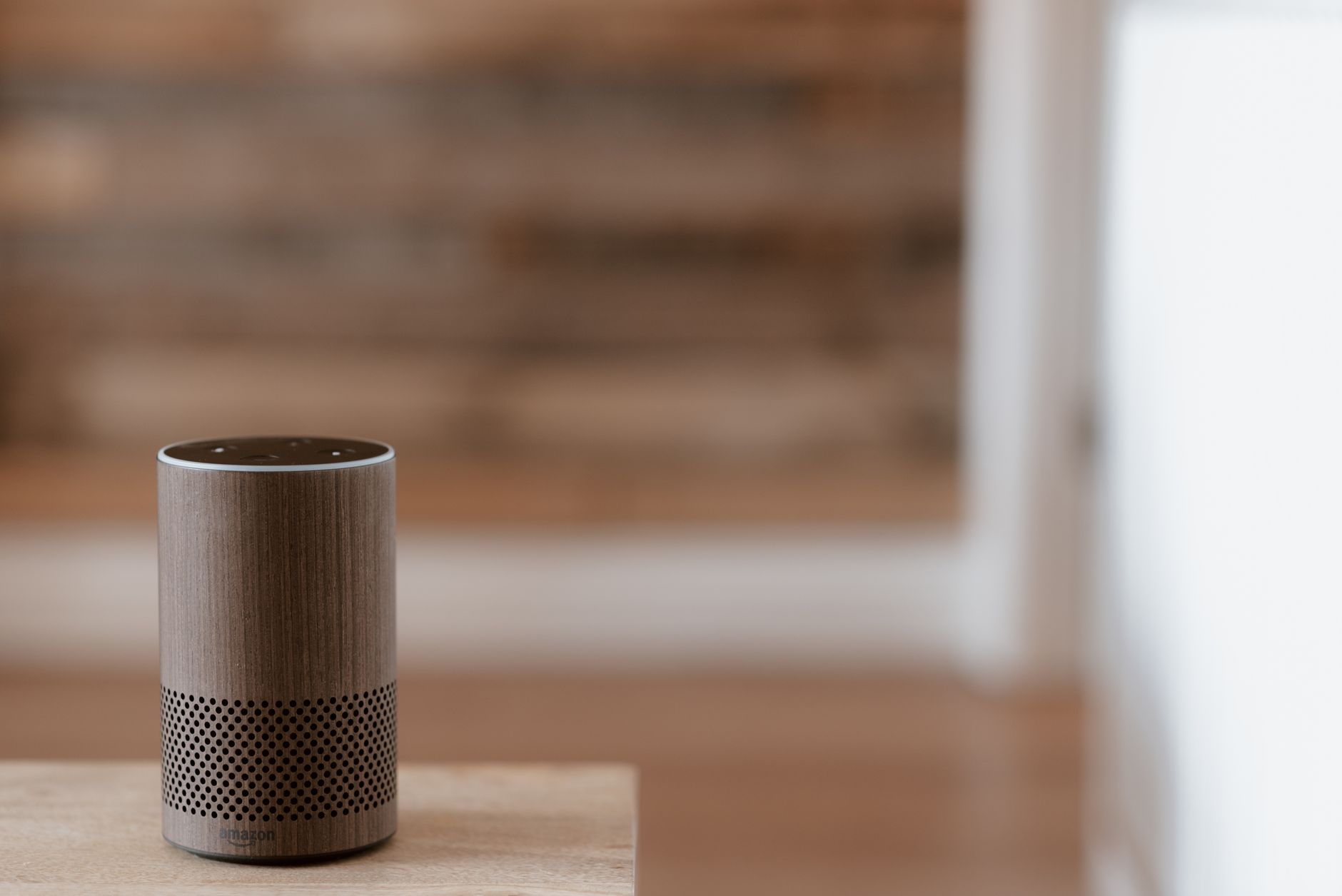
Are you looking for ways to reduce your home’s energy consumption while enjoying the convenience of automation? Smart plugs and outlets are the energy saving gadgets of 2026 that promise to help you save money, automate appliances, and make daily life easier. In this guide, you’ll discover how smart plugs save energy, which are the best smart outlets 2026, and practical steps to automate your entire home.
How Smart Plugs & Outlets Save Energy
Smart plugs are small devices that fit between your wall outlet and any electrical appliance, allowing you to control power using your phone or voice assistants like Alexa or Google Assistant. But their real magic lies in energy savings and automation.
Why Smart Plugs Help Save Energy
- Remote Control: Switch off lights or appliances from anywhere, ensuring nothing is left on accidentally.
- Scheduling: Set appliances like coffee makers to turn on or off at specific times, so they never run unnecessarily.
- Energy Monitoring: Many smart plugs track usage, letting you identify and reduce the costliest devices.
- Standby Power Reduction: Devices in standby mode can account for 5–10% of household electricity use. Smart outlets cut off power completely, eliminating “vampire” energy drain.
According to the U.S. Department of Energy, using automation and power management can cut home electricity bills by up to 15%. That’s a significant saving over a year!
Automate Appliances for Ultimate Convenience
One of the main reasons homeowners love smart outlets is the ability to automate appliances. Here’s how you can turn ordinary devices into smart gadgets with just a plug:
Top Home Automation Ideas
- Lighting: Schedule lamps to mimic sunrise and sunset, improving your sleep routine.
- Kitchen Appliances: Automate slow cookers or coffee machines for fresh meals and drinks ready when you are.
- Entertainment: Cut power to TVs and gaming consoles at night to limit screen time and reduce energy use.
- Holiday Decorations: Set outdoor lights to turn off at midnight for security and savings.
- Fans & Heaters: Prevent overheating or overcooling by automating fans and space heaters based on room occupancy or temperature.
With smart plugs, even older appliances without built-in smart features can join your automated ecosystem.
Best Smart Outlets and Plugs of 2026
Choosing the right smart plug can be overwhelming with so many options in 2026. Here’s a quick comparison of the best smart outlets and plugs based on features, compatibility, and value.
| Product Name | Energy Monitoring | Voice Control | App Compatibility | Price Range |
|---|---|---|---|---|
| EcoSync Plug X2 | Yes | Alexa, Google | iOS, Android | $24–$29 |
| Powerwise Outlet Pro | Yes | Alexa, Siri | iOS, Android | $28–$35 |
| VoltGuard Mini | No | Android | $16–$20 | |
| LumiSmart Socket S | Yes | Alexa, Google | iOS, Android | $32–$38 |
| HomeLink Duo Outlet | Yes | Alexa, Google | iOS, Android | $39–$45 |
Expert tip: Look for plugs with energy monitoring for maximum savings, and ensure app compatibility with your smartphone.
Step-By-Step: Setting Up Smart Plugs for Maximum Savings
Getting started is easy. Follow these practical steps to get the most out of your smart plugs and automate appliances efficiently:
- Identify High-Energy Devices
Plug in smart outlets to devices like space heaters, window AC units, or entertainment centers. - Download the Manufacturer’s App
Most smart plugs require their own app for setup. Make sure it’s compatible with your phone. - Connect to Wi-Fi
Follow the on-screen instructions to link each plug to your home network. - Name Each Plug
Label each plug (e.g., “Living Room Lamp”) for easy identification via app or voice control. - Set Schedules and Timers
Use the app to program when each device turns on or off—adjust for weekdays, weekends, or seasons. - Enable Energy Monitoring
Use real-time feedback in the app to track which appliances are costing you the most. - Integrate with Routines
Pair smart plugs with routines (like “Good Night” or “Away”) for whole-home automation. - Review Usage Monthly
Set a reminder to check your energy usage each month and adjust schedules as needed for more savings.
Common Questions About Smart Plugs & Outlets
Q: Can smart plugs be used with any appliance?
Most standard appliances under 1800W (like lamps, fans, coffee makers) are safe. Avoid high-wattage devices like air conditioners unless the plug is rated for heavy loads.
Q: Do smart outlets work during power outages?
They reset to their default state after power returns, but most apps restore schedules automatically.
Q: Is installation difficult?
Not at all! Just plug in the device, download the app, and follow setup instructions—no wiring required.
Maintenance and Safety Tips
- Check Ratings: Always match the smart plug’s wattage to your appliance’s needs.
- Update Firmware: Keep your plugs’ software up to date for security and new features.
- Avoid Overloading: Don’t use multi-plug adapters with high-wattage devices.
- Test Automation: Occasionally check that schedules and routines are working as intended.
Key Takeaways
- Smart plugs save energy by enabling remote control, scheduling, and eliminating standby power waste.
- You can automate appliances easily—turning ordinary devices into smart gadgets for more convenience.
- The best smart outlets 2026 include EcoSync Plug X2, Powerwise Outlet Pro, and more, with features like energy monitoring and app integration.
- Setting up and using smart plugs is straightforward and can cut electricity bills by up to 15%.
- Regular review and updating of schedules and devices ensure ongoing savings and convenience.
Smart plugs and outlets are more than just energy saving gadgets—they’re the foundation of a smarter, greener, and more comfortable home in 2026. Whether you’re looking to save money, automate your routines, or reduce your carbon footprint, making the switch is a smart move.