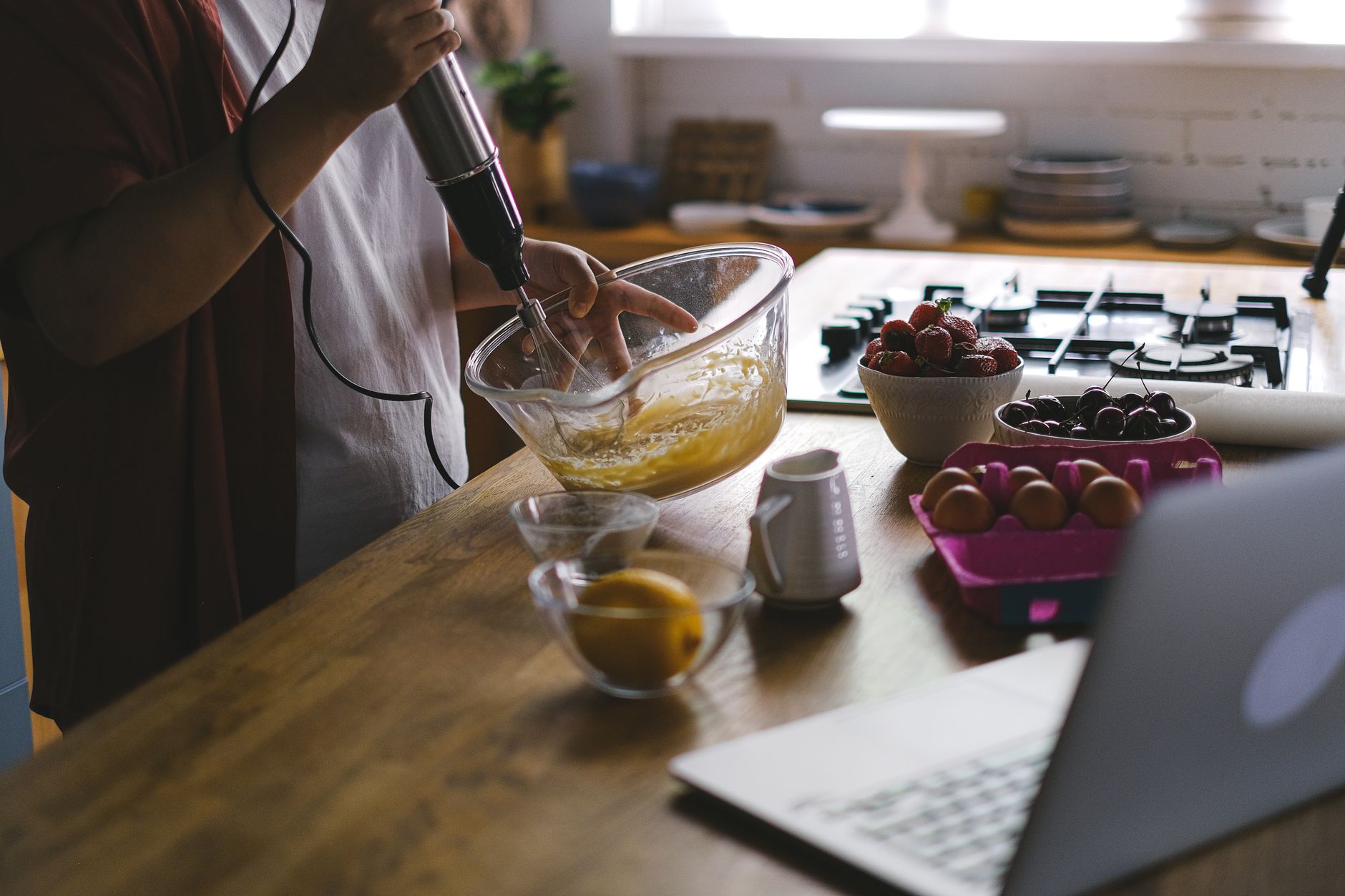
In 2026, the kitchen has become smarter than ever, with voice controlled cooking now a reality thanks to the evolution of Alexa and Google Assistant. Imagine seamlessly managing your recipes, timers, and kitchen appliances—without ever touching a button or screen. In this guide, you’ll learn how to set up voice-controlled cooking with Alexa and Google Assistant, discover essential alexa google kitchen gadgets, and master the smart kitchen voice commands that are transforming cooking automation in 2026.
Why Voice-Controlled Cooking Matters
Voice-controlled cooking isn’t just a tech trend—it’s a lifestyle upgrade. According to a recent 2026 survey, 68% of smart home users say they save at least 25 minutes per week using voice assistants in the kitchen. Whether your hands are messy with dough or you’re multitasking with kids, hands-free commands offer more convenience, safety, and fun.
Benefits at a Glance
- Hands-free operation: No more smudging screens with wet hands.
- Time-saving: Quickly set timers, adjust appliances, or look up recipes.
- Accessibility: Easier cooking for people with mobility or vision challenges.
- Efficiency: Manage multiple tasks with simple voice prompts.
Getting Started: What You Need for Voice-Controlled Cooking
Before diving into setup, ensure you have the core components for a voice-driven smart kitchen in 2026.
Essential Gadgets
Here’s a table summarizing the top devices you’ll need:
| Device Type | Example Models (2026) | Key Features |
|---|---|---|
| Smart Speakers | Echo Show 12, Nest Hub Max | Voice, video, recipe displays |
| Smart Displays | Echo Show 16, Nest Display | Visual recipes, timers, controls |
| Smart Kitchen Appliances | GE Profile Oven, Instant Pot Smart Duo | Direct voice integration |
| Smart Plugs/Switches | TP-Link Kasa, Wemo Stage | Make traditional devices smart |
Software & Network
- Alexa or Google Assistant app installed on your phone or tablet
- Reliable Wi-Fi network covering your kitchen
- Linked accounts for any smart appliances (e.g., SmartThings, Home Connect)
Step-by-Step: Setting Up Voice-Controlled Cooking
Ready for hands-free cooking? Follow these steps to integrate Alexa and Google Assistant with your kitchen.
1. Set Up Your Smart Speaker or Display
- Place your device in the kitchen, away from water or heat.
- Plug in and power on.
- Connect to Wi-Fi using your smartphone and the appropriate app (Alexa or Google Home).
- Log in to your Amazon or Google account.
2. Connect Smart Kitchen Gadgets
Most 2026 smart appliances support direct integration:
- Open the Alexa or Google Home app.
- Tap “Add Device.”
- Select the kitchen device’s brand/model.
- Follow prompts to link your appliance’s account.
- Name your device (e.g., “Kitchen Oven” or “Coffee Maker”) for easy commands.
Tip: For traditional appliances, plug them into a smart plug. Then you can turn them on/off by voice.
3. Enable Cooking Skills or Actions
- For Alexa: Search the Alexa Skills Store for cooking skills such as “AllRecipes,” “Food Network Kitchen,” or appliance-specific skills like “Instant Pot.”
- For Google Assistant: Enable services like “Tasty” or “Kitchen Stories” via Google Actions or by linking partner apps.
4. Calibrate Settings and Permissions
- Set up household voice profiles for personalized responses.
- Customize device names to avoid confusion when issuing voice commands.
- Adjust privacy settings to control what data is shared.
5. Practice Smart Kitchen Voice Commands
Try these popular smart kitchen voice commands in 2026:
- “Alexa, preheat the oven to 350 degrees.”
- “Hey Google, set a pasta timer for 8 minutes.”
- “Alexa, add eggs to my shopping list.”
- “Hey Google, show me a vegan lasagna recipe.”
- “Alexa, start the coffee maker.”
- “Hey Google, turn off the slow cooker.”
Automating Cooking Tasks: Going Beyond Voice Commands
Cooking automation in 2026 is about more than simple voice commands. With routines and integrations, your smart kitchen can anticipate your needs.
Setting Up Routines
- Open your Alexa or Google Home app.
- Go to Routines/Automations.
- Create a new routine (e.g., “Start Breakfast”).
- Add actions like turning on the coffee maker, starting the toaster, and reading the news.
- Set a trigger phrase (“Alexa, good morning” or “Hey Google, start my day”).
Example Routine: “Dinner Prep”
- Preheats oven to preset temperature
- Plays your favorite cooking playlist
- Reads out the first recipe step
- Sets a 20-minute timer
Integration Tips
- Combine with smart lighting for better kitchen visibility.
- Use motion sensors to trigger lights or appliances when you enter.
- Link with grocery delivery services to restock by voice.
Troubleshooting Common Voice-Controlled Cooking Issues
Even in 2026, smart kitchens can hit a snag. Here’s how to address frequent issues:
- Device not responding: Check Wi-Fi connection and ensure the device is powered on.
- Unrecognized commands: Rephrase using simpler language or check device names.
- Appliance not linking: Update all apps and firmware, and ensure accounts are correctly connected.
- Privacy concerns: Review and adjust your assistant’s settings regarding voice recordings and data sharing.
Key Takeaways
- Voice controlled cooking with Alexa and Google Assistant elevates convenience, safety, and efficiency in the kitchen.
- Setting up requires smart speakers/displays, compatible alexa google kitchen gadgets, and a strong Wi-Fi connection.
- Utilize specific smart kitchen voice commands to manage recipes, timers, appliances, and shopping lists hands-free.
- Automate routines for truly seamless cooking automation in 2026.
- Troubleshoot with basic steps if issues arise, and always keep your devices updated for the best experience.
By following these steps, you’ll transform your kitchen into a futuristic hub where dinner prep is as easy as asking out loud. Welcome to the era of hands-free, smart cooking—where your voice is the ultimate kitchen tool.