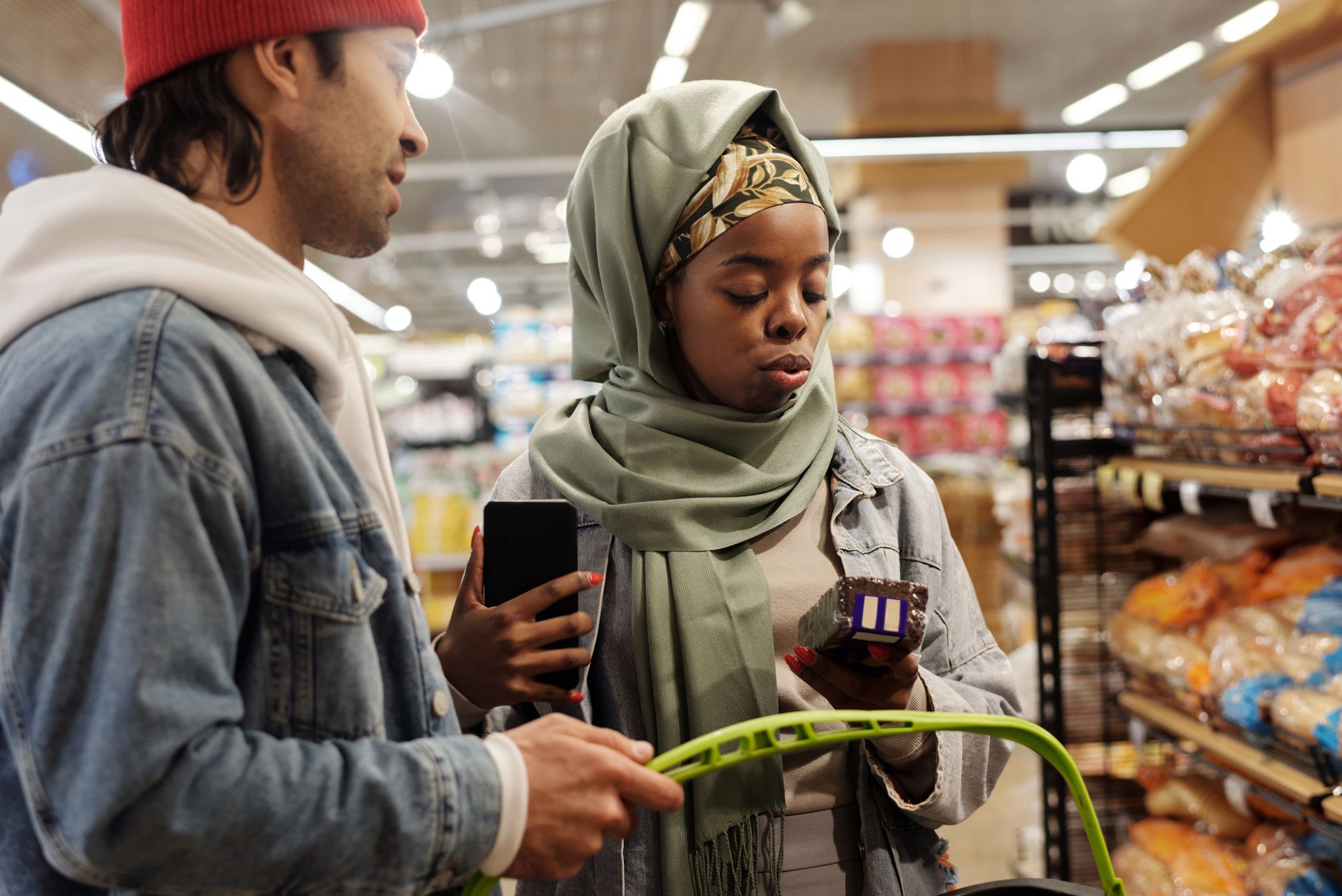
Automate grocery shopping in 2026 has never been easier thanks to advances in smart fridges and grocery apps. Imagine a kitchen where your fridge automatically tracks inventory, creates a shopping list, and helps you order groceries—all while you focus on enjoying life. In this article, you’ll discover how smart fridge shopping lists and the latest grocery apps 2026 can streamline your kitchen routine. We’ll also share essential kitchen automation tips to help you get started, whether you’re a tech novice or a gadget enthusiast.
Why Automate Grocery Shopping?
Save Time and Reduce Stress
For many households, grocery shopping is a weekly task that can consume hours. Automation eliminates tedious list-making, reduces last-minute store runs, and helps you avoid forgetting essential items.
Minimize Waste and Save Money
By tracking what you have, smart fridges reduce food waste. Grocery apps can compare prices, alert you to deals, and help you stick to your budget. Automated suggestions based on your consumption ensure you buy only what you need.
Enhance Health and Nutrition
Smart fridges and apps can suggest healthier options, track expiration dates, and offer nutrition stats for your purchases. With automated reminders, you’re less likely to run out of fresh produce or staple ingredients.
Smart Fridge Shopping Lists: How Do They Work?
Smart fridges in 2026 are equipped with sensors, cameras, and AI-powered software. Here’s how they create a seamless shopping experience:
- Inventory Monitoring: Fridges use internal cameras and weight sensors to detect when items are low or missing.
- Automatic List Generation: Once an item reaches a set threshold (for example, half-empty milk), the fridge adds it to your digital shopping list.
- App Integration: Smart fridges sync with grocery apps, allowing you to access the list from your phone, tablet, or smartwatch.
- Order Placement: Some models let you order directly from the fridge’s touchscreen or via voice command.
Example: Smart Fridge Features Table
| Feature | Benefit | Typical Brands (2026) |
|---|---|---|
| Inventory Sensors | Accurate item tracking | Samsung, LG, Bosch |
| Internal Cameras | Visual check of contents | Whirlpool, Electrolux |
| App Syncing | Real-time list updates | GE, Haier |
| Voice Activation | Hands-free ordering | Samsung, LG |
Top Grocery Apps in 2026 for Kitchen Automation
Modern grocery apps are more than digital shopping lists. They integrate with smart appliances, learn your preferences, and optimize your routine. Here are some popular grocery apps in 2026:
- SmartCart 360: Syncs with smart fridges, offers price comparison, and supports one-click ordering.
- PantryPal Pro: Uses AI to suggest recipes based on fridge inventory and automates replenishment.
- KitchAI Connect: Notifies you about expiring items and generates healthy shopping lists.
- FreshDirect Home: Provides delivery scheduling, integrates with multiple appliances, and tracks spending.
- EcoShopper: Focuses on sustainability, recommends eco-friendly products, and tracks carbon footprint.
Benefits of Grocery Apps
- Personalized Lists: Apps analyze purchase history and suggest items you’re likely to need.
- Budgeting Tools: Built-in calculators help you avoid overspending.
- Store Integration: Many apps partner with local stores and delivery services for seamless ordering.
- Recipe Automation: Apps generate shopping lists from saved recipes and dietary preferences.
Step-by-Step Guide: Automating Your Grocery Shopping
Ready to streamline your kitchen routine? Follow these steps to automate grocery shopping using smart fridges and apps.
1. Choose a Compatible Smart Fridge
- Check compatibility with leading grocery apps.
- Look for features like inventory sensors, cameras, and app integration.
- Compare models for price, reliability, and ease of use.
2. Set Up Your Smart Fridge
- Connect the fridge to your Wi-Fi network.
- Download the manufacturer’s app and link your fridge.
- Calibrate sensors and cameras for accurate inventory tracking.
3. Select and Install a Grocery App
- Browse top-rated grocery apps for 2026.
- Sync your app with your smart fridge.
- Set up user profiles for household members.
4. Customize Your Shopping Preferences
- Create a list of staple items and preferred brands.
- Set thresholds for automatic replenishment (e.g., alert when eggs drop below 6).
- Choose delivery options—home delivery, curbside pickup, or store collection.
5. Monitor & Manage Your Inventory
- Review shopping lists on your app or fridge display.
- Approve or edit items before placing orders.
- Track spending and adjust preferences as needed.
Kitchen Automation Tips for 2026
To get the most from your automated grocery setup, keep these tips in mind:
- Regularly Update Preferences: As your diet or routines change, update your app settings.
- Use Voice Commands: Many smart fridges accept voice input for hands-free operation.
- Enable Notifications: Get alerts for expiring items, special deals, or delivery status.
- Integrate with Other Devices: Link your fridge and grocery app to voice assistants, smart speakers, or kitchen tablets.
- Review Purchase History: Use app analytics to identify trends and reduce waste.
Quick Checklist
- [ ] Smart fridge connected to Wi-Fi
- [ ] Grocery app downloaded and synced
- [ ] Shopping preferences set
- [ ] Automatic replenishment thresholds configured
- [ ] Notifications enabled
Key Takeaways
- Automate grocery shopping with smart fridge shopping lists and grocery apps 2026 for a streamlined kitchen routine.
- Smart fridges use sensors and AI to monitor inventory and generate shopping lists automatically.
- Leading grocery apps offer price comparison, recipe suggestions, and delivery options.
- Set up your devices, customize preferences, and use automation to reduce waste, save money, and eat healthier.
- Kitchen automation tips help you maximize convenience and efficiency in 2026.
Embrace the future of kitchen automation and let technology handle your grocery shopping, so you can focus on what matters most.